Strategic workforce plan
- Hires the plan actually needs
- 51.6
- Computed on this page from the inputs below
- Net new people the plan adds
- 30
- Computed on this page from the inputs below
- Leavers to expect at this attrition
- 21.6
- Computed on this page from the inputs below
- Hires per role, evenly spread
- 8.6
- Computed on this page from the inputs below
The numbers on this page come from the inputs you enter and the method stated: 3,600 seconds to an hour, 52 weeks to a year, twelve months to a year, and nothing else. No industry shrinkage figure, no occupancy benchmark and no assumption about your attrition; every one of those is yours to enter.
Email me this result
We will send you these figures and a link back to them. One email, nothing else unless you tick the box.
The figures above start from a worked example (51.6). Change any input and the answer updates as you type.
Download the Strategic workforce plan worked example (CSV)
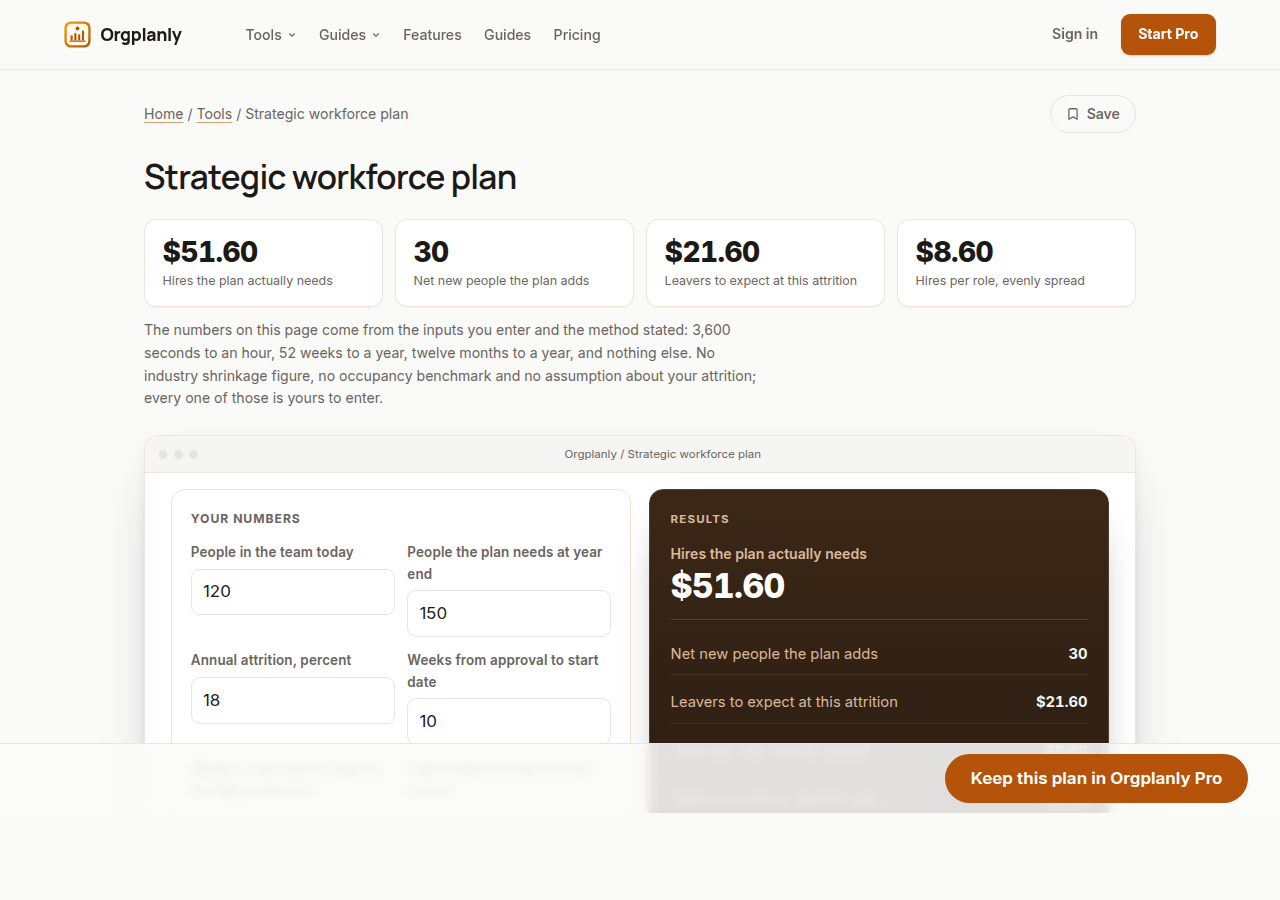
The strategic workforce plan worksheet works the year's hiring from the numbers a plan actually turns on: today's headcount, the target, your own attrition, your own time to hire and your own ramp. It returns net growth, expected leavers, the hires the plan really needs, starts a month, the latest week a requisition can be approved and still start in year, the productive weeks lost to hiring and ramp, and the annual cost of the planned team. Enter your own figures and it computes on the page, with no account.
Growth is not hiring
The plan says a hundred and twenty becomes a hundred and fifty and everyone writes down thirty. The requisition count is thirty plus everyone who leaves, and at any realistic attrition that is the difference between a plan that lands and one that is short all year. This is the first output for that reason.
Attrition is your number, not an industry one
Take leavers over the last twelve months against average headcount and enter it. A borrowed figure is worse than a rough one, because a rough one is at least about your team, and every downstream number here moves with it.
Time to hire sets a date, not a rate
If it takes ten weeks from approval to a start date, a requisition approved in week forty-three cannot produce a start inside the year. The worksheet returns that week from your own figure, and it is usually a more useful thing to put in a plan than the headcount itself.
Ramp is capacity you have paid for and not received
Multiplying the hires by time to hire plus ramp gives the productive weeks the plan loses to its own mechanics. It is the number that explains why a fully hired team still misses its output, and it argues for starting earlier rather than hiring more.
What the worksheet refuses to decide
What the target should be, whether the attrition you are seeing is acceptable, and what people should cost are your organization's decisions. The worksheet prices the plan you describe and publishes no benchmark for any input.
Strategic workforce plan: common questions
Why is the hire count so much larger than the growth? Because every leaver has to be replaced before the team is even back where it started. At eighteen percent on a team of 120 that is 21.6 people before a single new seat is filled.
What if attrition is not evenly spread? It rarely is, and the worksheet gives the annual figure rather than a monthly shape. Use it to size the requisition count, and let your own leaver data shape the timing.
Where do the numbers come from? Entirely from your inputs, plus 52 weeks and twelve months to a year. No benchmark attrition rate, time to hire or ramp appears on this site.
Orgplanly Pro
Keeping what you make
The worksheet answered today's question. Pro keeps the answer: the plan you just worked saved against the team it belongs to, re-opened at the next review instead of rebuilt, branded and exported for the budget meeting.
- Keep this scenario, so next quarter starts from it instead of a blank sheet
- Put two scenarios side by side: the plan at your attrition and the plan at last year's
- The plan goes out clean, without the Orgplanly watermark
- Send the plan for review from the record, not a spreadsheet
- Not part of Orgplanly today; your billing stays where it is
- Not part of Orgplanly today; your ledger stays where it is
$90per month, whole team
Start Orgplanly Pro Free for 14 days. No card needed. PricingThe first 14 days are free and no card is asked for. Add a card during the trial and the first charge is on the day it ends; do not, and your workspace becomes read-only with nothing deleted. Orgplanly Pro renews monthly at $6.50 per user per month until you cancel; the price and renewal terms are shown before checkout.
Where the constants in this tool come from
US Bureau of Labor Statistics: Occupational Employment and Wage Statistics.