Recruiting pipeline
- Applicants needed per hire
- 50
- Computed on this page from the inputs below
- Applicant to screen, percent
- 20
- Computed on this page from the inputs below
- Screen to interview, percent
- 40
- Computed on this page from the inputs below
- Interview to offer, percent
- 33
- Computed on this page from the inputs below
The numbers on this page come from the inputs you enter and the method stated: 3,600 seconds to an hour, 52 weeks to a year, twelve months to a year, and nothing else. No industry shrinkage figure, no occupancy benchmark and no assumption about your attrition; every one of those is yours to enter.
Email me this result
We will send you these figures and a link back to them. One email, nothing else unless you tick the box.
The figures above start from a worked example (50). Change any input and the answer updates as you type.
Download the Recruiting pipeline worked example (CSV)
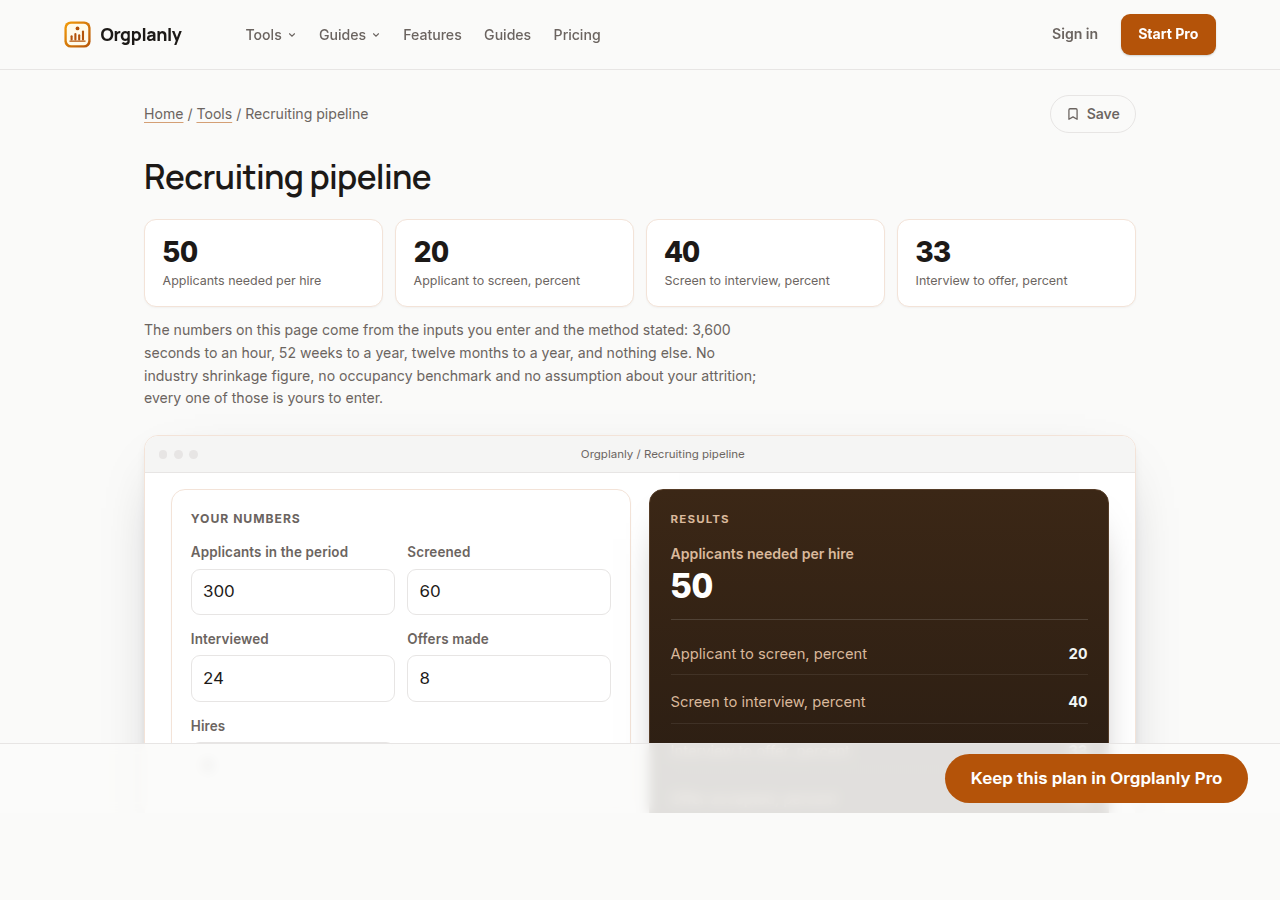
A recruiting pipeline is five numbers and four ratios, and most desks have the numbers and have never worked the ratios. Enter applicants, screens, interviews, offers and hires for a period, and this sheet returns the conversion at each step, the applicants needed per hire, and how many applicants the next ten hires will take at the same rates. On the worked example, 300 applicants become 60 screens, 24 interviews, 8 offers and 6 hires: 20% of applicants are worth a screen, 40% of screens an interview, a third of interviews an offer, and three quarters of offers are accepted. That is 50 applicants per hire, and it means the next ten hires need 500 applicants. Once you have that number, "we need more applicants" stops being a feeling and becomes a quantity you can plan advertising around.
The applicants-per-hire figure is the planning number
50 applicants per hire is what turns a hiring plan into an advertising plan. Ten hires means 500 applicants, and if your channels do not produce 500, the plan is not a plan yet.
A low first ratio is usually a targeting problem
20% of applicants surviving to a screen is not inherently bad, but it is the ratio most affected by where the advert ran and how the role was described. It is also the cheapest one to change.
Offer acceptance is a different kind of signal
75% acceptance on the worked example means one offer in four is turned down. Unlike the earlier ratios, that one is usually about pay, timing or the experience of the process, and the sheet shows it separately for exactly that reason.
Recruiting pipeline: common questions
What period should I use? Long enough to contain several hires, so the ratios are not dominated by one unusual role. A quarter is usually right for a small desk; a month is too short unless you are hiring at volume.
What conversion rate should I expect? This site publishes none. It varies enormously by role, seniority and channel, and a benchmark that averages a warehouse role and a staff engineer would mislead you about both. Your own rates are the only ones that predict your own pipeline.
My numbers do not fall neatly into stages. Then simplify rather than abandon it: applicants, people you actually spoke to, people you interviewed properly, offers and hires. The ratios are still useful, and the applicants-per-hire figure barely moves.
Orgplanly Pro
Keeping what you make
The worksheet answered today's question. Pro keeps the answer: the plan you just worked saved against the team it belongs to, re-opened at the next review instead of rebuilt, branded and exported for the budget meeting.
- Download the finished checklist or intake form as a file the client accepts
- The paperwork goes out clean, without the Kickoffo watermark
- Re-use the checklist for the next client instead of rebuilding it
- Your firm's logo on every checklist and form you send
- Export every client's onboarding at once when the account review or the buyer asks
- Send the plan for review from the record, not a spreadsheet
- Not part of Orgplanly today; your billing stays where it is
- Not part of Orgplanly today; your ledger stays where it is
$90per month, whole team
Start Orgplanly Pro Free for 14 days. No card needed. PricingThe first 14 days are free and no card is asked for. Add a card during the trial and the first charge is on the day it ends; do not, and your workspace becomes read-only with nothing deleted. Orgplanly Pro renews monthly at $6.50 per user per month until you cancel; the price and renewal terms are shown before checkout.
Where the constants in this tool come from
US Bureau of Labor Statistics: Job Openings and Labor Turnover Survey.