New client intake form
- Minutes the form takes one client
- 27.3
- Computed on this page from the inputs below
- Fields per section
- 6.8
- Computed on this page from the inputs below
- Optional fields you are asking for anyway
- 12
- Computed on this page from the inputs below
- Minutes if you asked only the required fields
- 23.3
- Computed on this page from the inputs below
The numbers on this page come from the inputs you enter and the method stated: 3,600 seconds to an hour, 52 weeks to a year, twelve months to a year, and nothing else. No industry shrinkage figure, no occupancy benchmark and no assumption about your attrition; every one of those is yours to enter.
Email me this result
We will send you these figures and a link back to them. One email, nothing else unless you tick the box.
The figures above start from a worked example (27.3). Change any input and the answer updates as you type.
Download the New client intake form worked example (CSV)
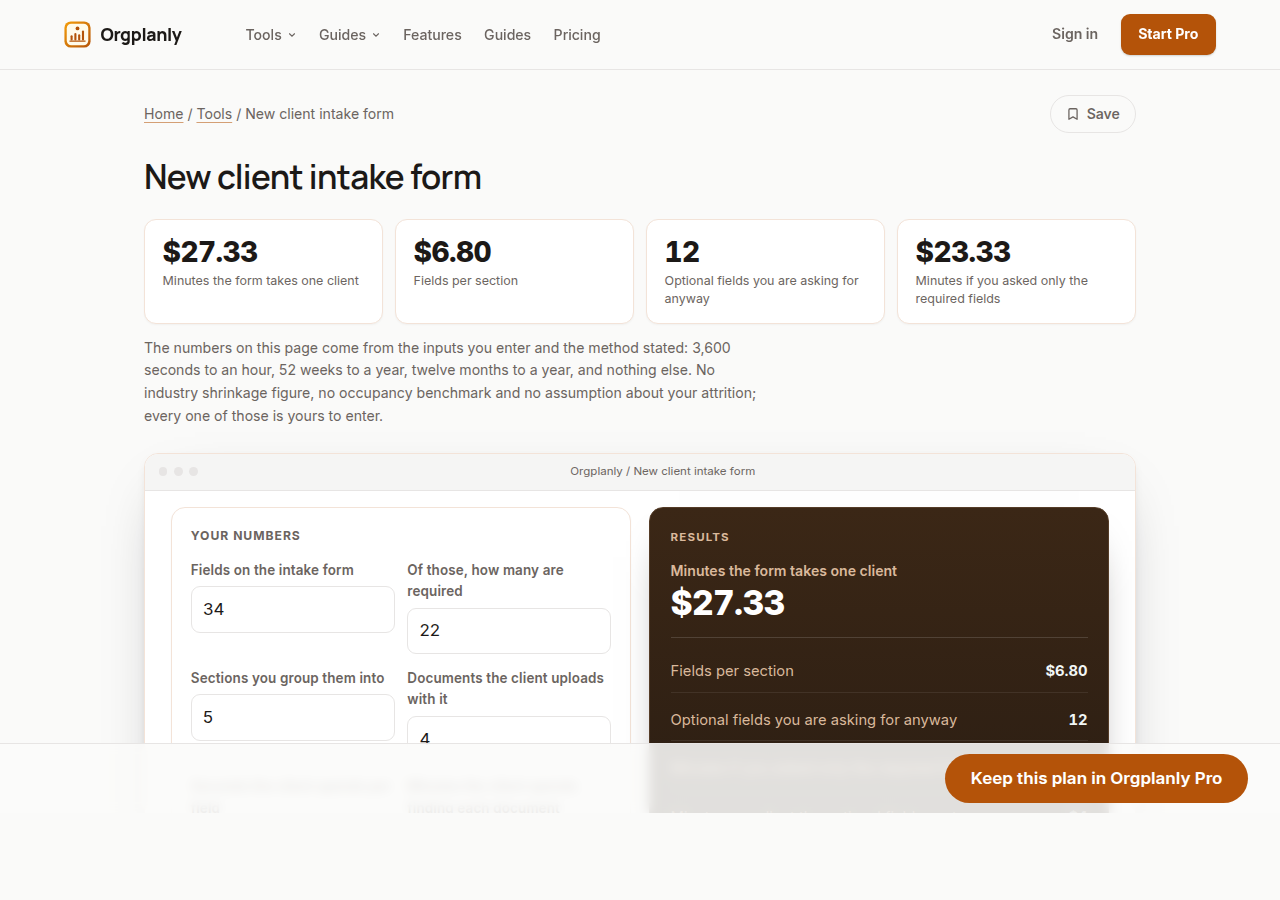
The new client intake form worksheet costs your form in the client's minutes rather than yours: the total minutes it takes one client at your own field count and pace, the fields per section, how many of them are optional, what the form would cost if you asked only the required ones, and the client hours a month your firm consumes across everyone who fills it. Enter your own figures and it computes on the page, with no account.
The form's real cost, in the client's time
Fields multiplied by seconds per field, plus the minutes each requested document takes to find, is what your intake form actually asks of a new client. It is the first work they do for you and the only part of onboarding they experience directly.
The optional half, priced
Subtracting required fields from total fields gives the ones you are asking for anyway, and multiplying by your own pace prices them. Firms rarely cut fields on principle; they cut them when the minutes are on the page.
Sections, and the screens they become
Fields divided by sections tells you whether your grouping is doing any work. Five sections over thirty-four fields is about seven a screen, which is a form; one section over thirty-four is a wall.
The monthly total your firm consumes
Multiply one client's minutes by the clients who fill it each month and the form has a monthly cost measured in client hours. That is the number to put next to whatever a portal or an onboarding platform would cost you.
What the worksheet refuses to decide
Which fields you need, what a regulator requires you to collect and whether a field is genuinely optional are your firm's decisions. The worksheet prices the form you describe and nothing else.
New client intake form: common questions
Is twenty seconds a field realistic? It is the default, not a claim. Time one of your own clients filling three fields and put the real number in; every output moves with it.
Why separate required from optional? Because the optional half is the part you can cut without changing what you are able to do, and the worksheet prices exactly what cutting it would give back to each new client.
Does it write the form for us? No. It costs the form you already have or the one you are drafting. What to ask a client is your firm's decision; how long asking it takes is arithmetic.
Orgplanly Pro
Keeping what you make
The worksheet answered today's question. Pro keeps the answer: the plan you just worked saved against the team it belongs to, re-opened at the next review instead of rebuilt, branded and exported for the budget meeting.
- Download the finished checklist or intake form as a file the client accepts
- The paperwork goes out clean, without the Kickoffo watermark
- Re-use the checklist for the next client instead of rebuilding it
- Your firm's logo on every checklist and form you send
- Export every client's onboarding at once when the account review or the buyer asks
- Send the plan for review from the record, not a spreadsheet
- Not part of Orgplanly today; your billing stays where it is
- Not part of Orgplanly today; your ledger stays where it is
$90per month, whole team
Start Orgplanly Pro Free for 14 days. No card needed. PricingThe first 14 days are free and no card is asked for. Add a card during the trial and the first charge is on the day it ends; do not, and your workspace becomes read-only with nothing deleted. Orgplanly Pro renews monthly at $6.50 per user per month until you cancel; the price and renewal terms are shown before checkout.
Where the constants in this tool come from
Internal Revenue Service: About Form W-9, Request for Taxpayer Identification Number.