Training checklist
- Checklist items per new starter
- 13
- Computed on this page from the inputs below
- Training hours per new starter
- 26.0
- Computed on this page from the inputs below
- Training hours this quarter
- 130
- Computed on this page from the inputs below
- Sign-offs to record this quarter
- 65
- Computed on this page from the inputs below
The numbers on this page come from the inputs you enter and the method stated: 3,600 seconds to an hour, 52 weeks to a year, twelve months to a year, and nothing else. No industry shrinkage figure, no occupancy benchmark and no assumption about your attrition; every one of those is yours to enter.
Email me this result
We will send you these figures and a link back to them. One email, nothing else unless you tick the box.
The figures above start from a worked example (13). Change any input and the answer updates as you type.
Download the Training checklist worked example (CSV)
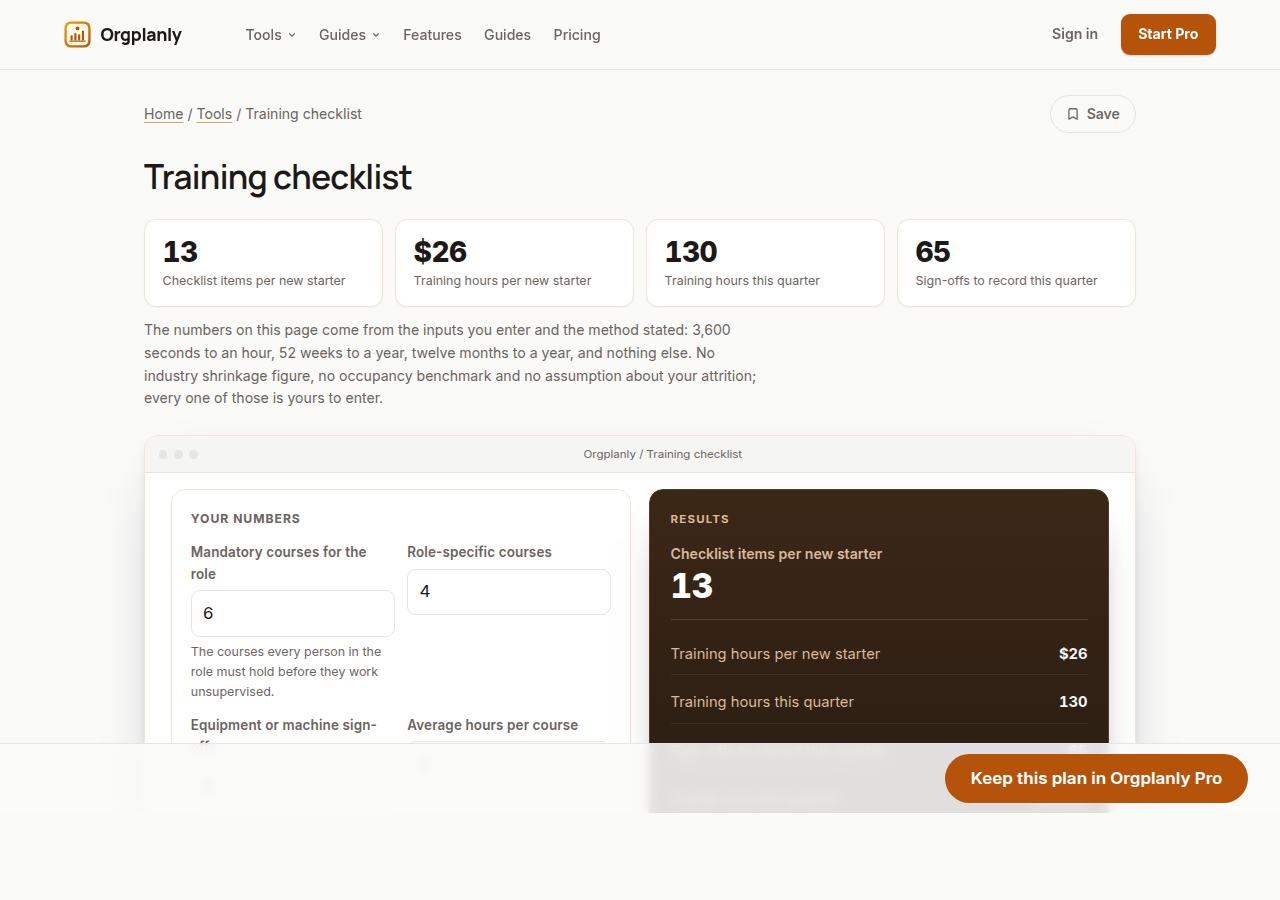
A training checklist is only useful when it is sized to the role, and most are a list of every course the company has ever run. This one works from what you type: the mandatory courses everyone in the role holds, the role-specific courses, the equipment or machine sign-offs, the hours each takes and the starters expected this quarter. It prints the items per new starter, the hours per starter, the sign-offs to record this quarter and the trainer cost, because a checklist without hours and a cost is a wish list.
Three kinds of item, and they are recorded differently
Mandatory courses are the same for everyone on site and usually carry a refresher period. Role-specific courses depend on the job and are the rows that differ between two people on the same matrix. Equipment sign-offs are a supervisor's signature that this person may use this machine, with no course behind it. The worksheet counts all three so the checklist is the length the role actually is, and Pro records each kind with the sign-off it needs.
The hours are what the first month costs
Thirteen items at two hours each is twenty-six hours a new starter is not producing, and at five starters a quarter it is a hundred and thirty hours of trainer time. The worksheet prints both so the quarter's training is planned as capacity rather than discovered on the floor, and the 30 60 90 plan on this site spreads those hours across the first three months.
The sign-off count is the record keeping load
Every item on every starter's checklist is a row someone has to sign and date, and the worksheet counts them. Sixty-five sign-offs a quarter on paper is a folder that will be incomplete by the audit; sixty-five rows in a record with the trainer's name on each is what the inspector reads. That count is the honest argument for keeping the record somewhere other than a drawer.
Training checklist: common questions
Which courses are mandatory? Whatever your regulator, your standard, your insurer and your client contracts require for the role, and that is a question for your safety professional rather than for this worksheet. The worksheet counts and costs them; it does not decide them.
Should the checklist include the induction itself? Yes, as the first mandatory item. The site induction is the first row on every record and the one most often missing from the folder when the inspector asks, because it happened on day one before the paperwork caught up.
Does this save the checklist anywhere? No: the sheet runs in your browser and nothing leaves it. Inductvo Pro turns the items into required records against each new starter, with the sign-off and the expiry waiting to be filled.
Orgplanly Pro
Keeping what you make
The worksheet answered today's question. Pro keeps the answer: the plan you just worked saved against the team it belongs to, re-opened at the next review instead of rebuilt, branded and exported for the budget meeting.
- Download the finished checklist or intake form as a file the client accepts
- The paperwork goes out clean, without the Kickoffo watermark
- Re-use the checklist for the next client instead of rebuilding it
- Your firm's logo on every checklist and form you send
- Export every client's onboarding at once when the account review or the buyer asks
- Send the plan for review from the record, not a spreadsheet
- Not part of Orgplanly today; your billing stays where it is
- Not part of Orgplanly today; your ledger stays where it is
$90per month, whole team
Start Orgplanly Pro Free for 14 days. No card needed. PricingThe first 14 days are free and no card is asked for. Add a card during the trial and the first charge is on the day it ends; do not, and your workspace becomes read-only with nothing deleted. Orgplanly Pro renews monthly at $6.50 per user per month until you cancel; the price and renewal terms are shown before checkout.